
Realtime chat across web, mobile and desktop, on one Go API.
- Surfaces
- web, admin, mobile, desktop
- Architecture
- triple
What it looks like
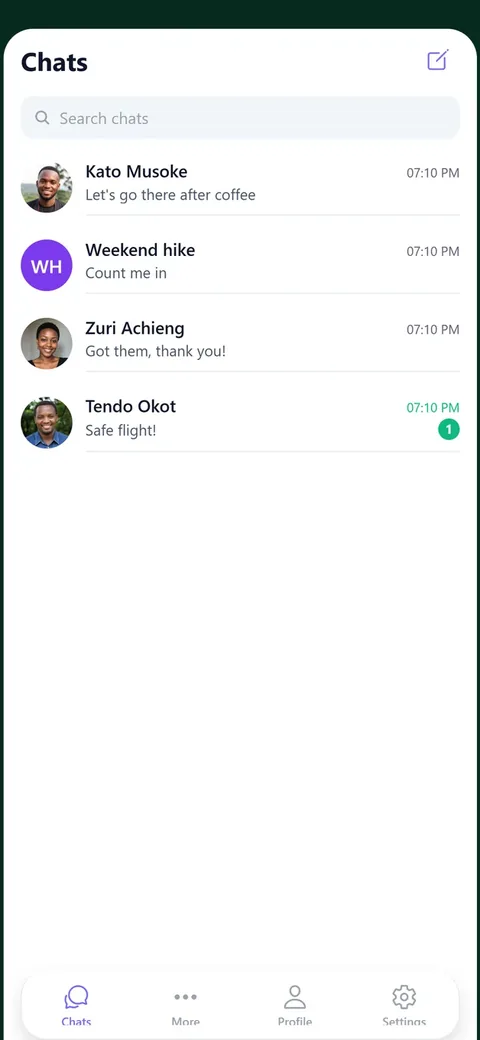
Conversations, with unread counts and the last message.
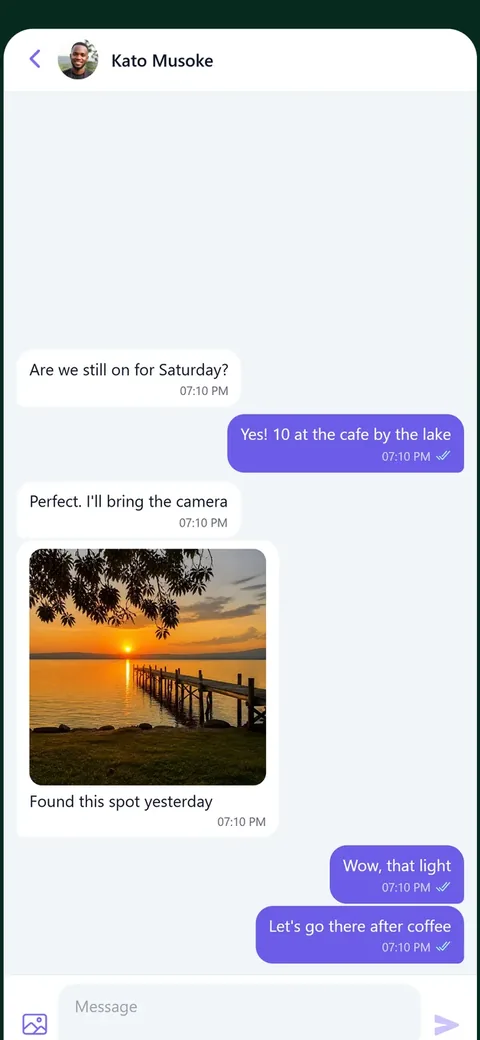
A chat: photos, read ticks and typing.
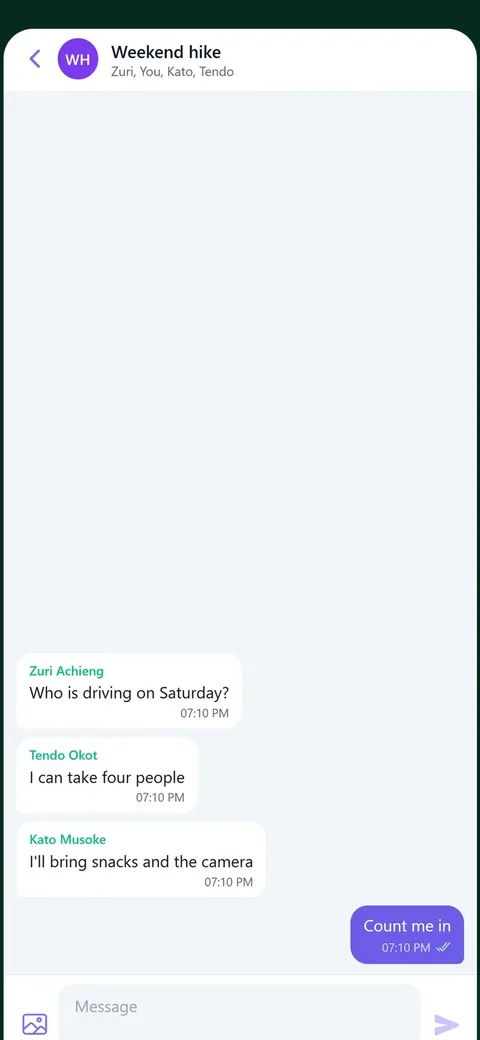
A group, and who has read what.
Screenshots of the running application, with its demo data. Nothing here is a mock-up.
{ What you open it for }
The parts that are actually hard.
Every application shows how to build an application, and that sentence helps nobody choose. These are the specific problems this one has already solved.
One conversation model reaching four clients without four implementations
Message delivery and read state over the domain event bus
Attachments through the same storage the rest of the app uses
An Expo app and a Wails desktop app against the same shared types
{ Run it }
Six commands, then it is running.
No Docker and no database server. Every blueprint runs on SQLite with files on local disk, so the only thing between a clone and a working application is pnpm install.
What you need first
- Go 1.21 or newer
- Node 20 or newer
- pnpm 10.33.4
- The Grit CLI, 3.301.0 or newer (grit update)
- No Docker: it runs on SQLite
What each one does
git clone https://github.com/MUKE-coder/grit-whatsapp && cd grit-whatsapp
Open source, so there is nothing to buy and nothing to accept.
grit env
Writes .env from .env.example with every secret freshly generated. The repository has no secrets in it.
pnpm install
The monorepo: API, web, admin, mobile and desktop.
grit migrate
Creates the SQLite database and every table.
grit seed
The admin account.
grit start
API on 8080, web on 3000, admin on 3001.
Then open
http://localhost:3000/register
Open it in two browsers, make two accounts, and start a chat between them. Messages, typing and read ticks are live.
http://localhost:3001
admin@example.com / admin123
The admin panel: conversations, messages and reported content.
Worth knowing
The phone and the desktop
The Expo app and the Wails desktop app talk to the same API. Both need the API reachable from the device, so set the host to your machine on the network rather than localhost.
pnpm --filter mobile start        # Expo
cd apps/desktop && wails dev      # desktop
Push notifications
Expo push works on a physical device with a development build. The web and desktop clients use the in-app notifications instead, so nothing is required to see the feature work.
{ Also built }