
Styles and themes
Two flags decide how a generated admin looks, and they are easy to confuse because both of them change the screen you see first. This page is the one place that says which does what.
--theme is the whole look: colours, fonts, and the shape of the sign-in screen. Eight of them. Changeable after the fact by editing one line of .env.
--style is the dashboard layout, and only that. Four of them. Fixed at grit new, because it decides which source file is written.
Themes: colours, fonts, and the sign-in
grit new shop --theme emerald
A theme sets a palette of CSS variables on the document root and picks the sign-in layout. Every screen in the admin reads those variables, so one word repaints the whole panel.
It is not baked in. The theme is read from THEME in .env, so changing your mind is one line and a restart:
THEME=coral
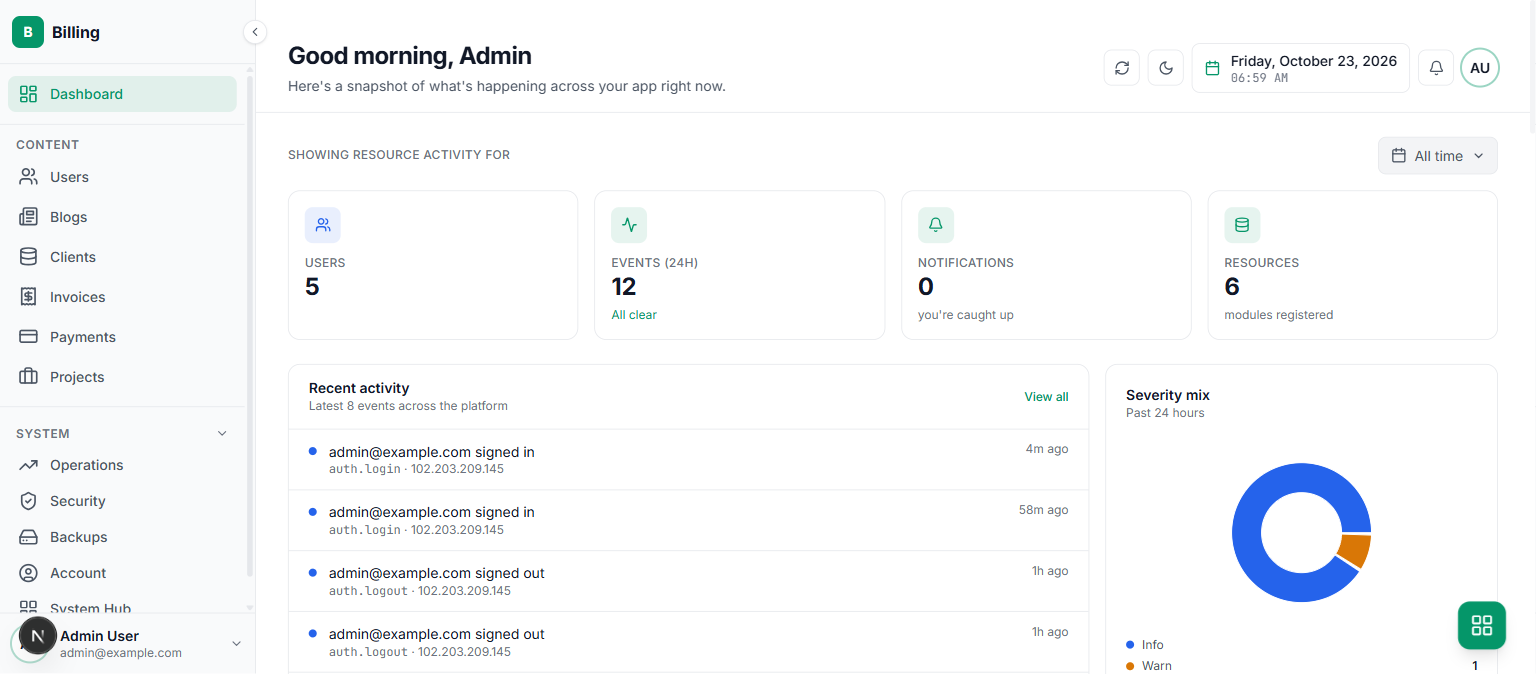
The same dashboard, same data, in each of the eight:
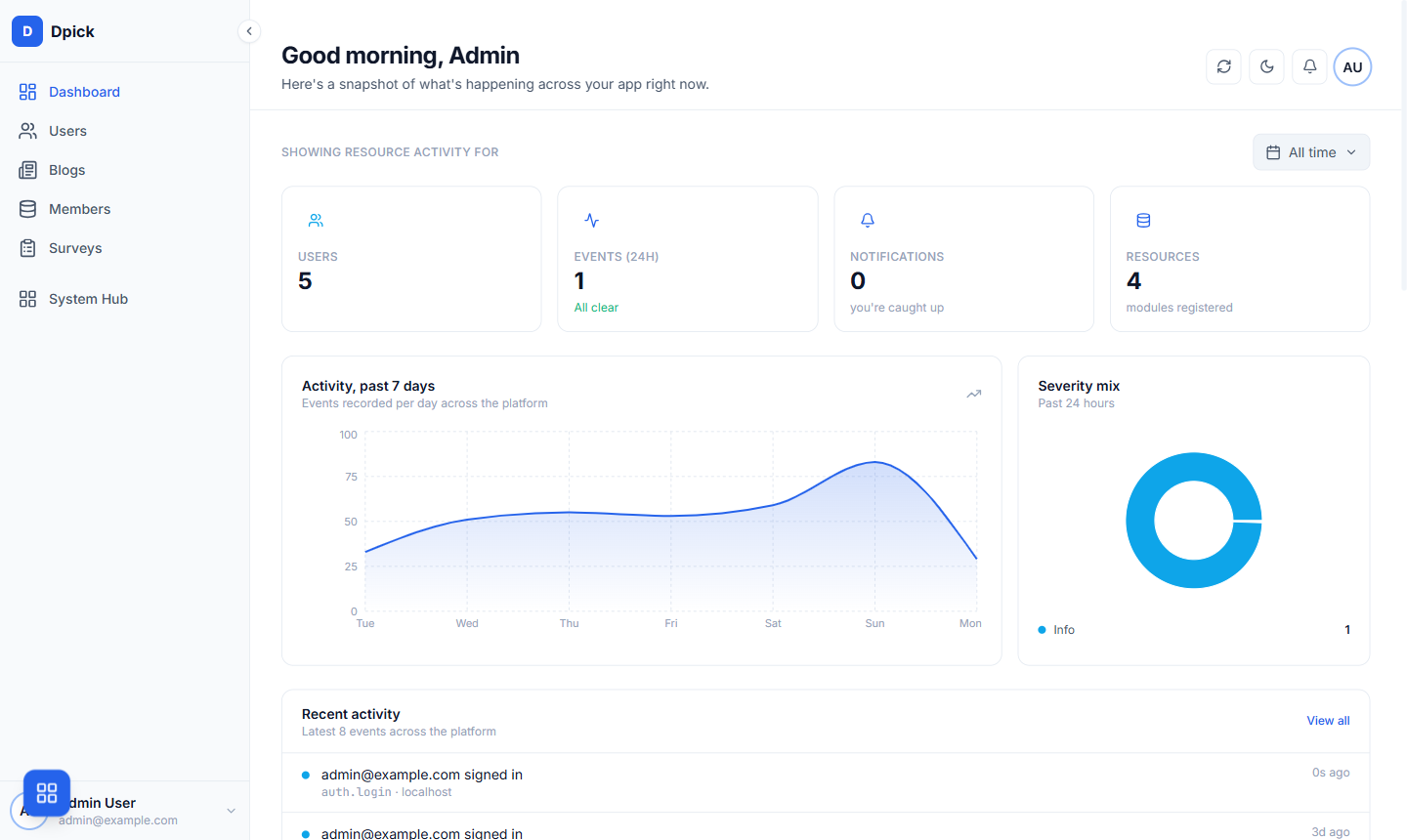
atlas#2563ebsign-in: splitThe default. A confident blue, a split sign-in with a brand panel beside the form.
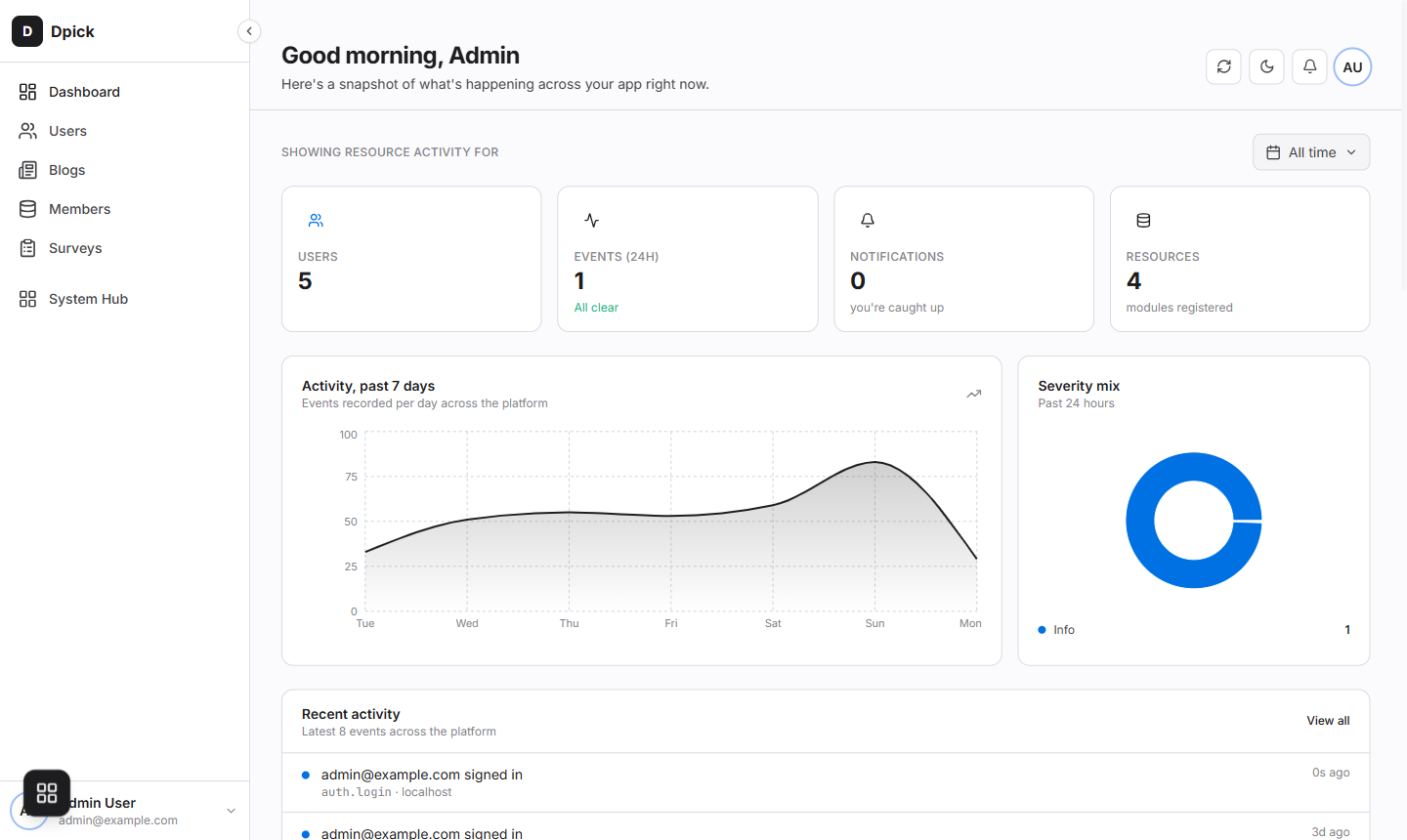
aurora#1d1d1fsign-in: splitNear-black accent, the most restrained of the set. Reads as hardware rather than software.
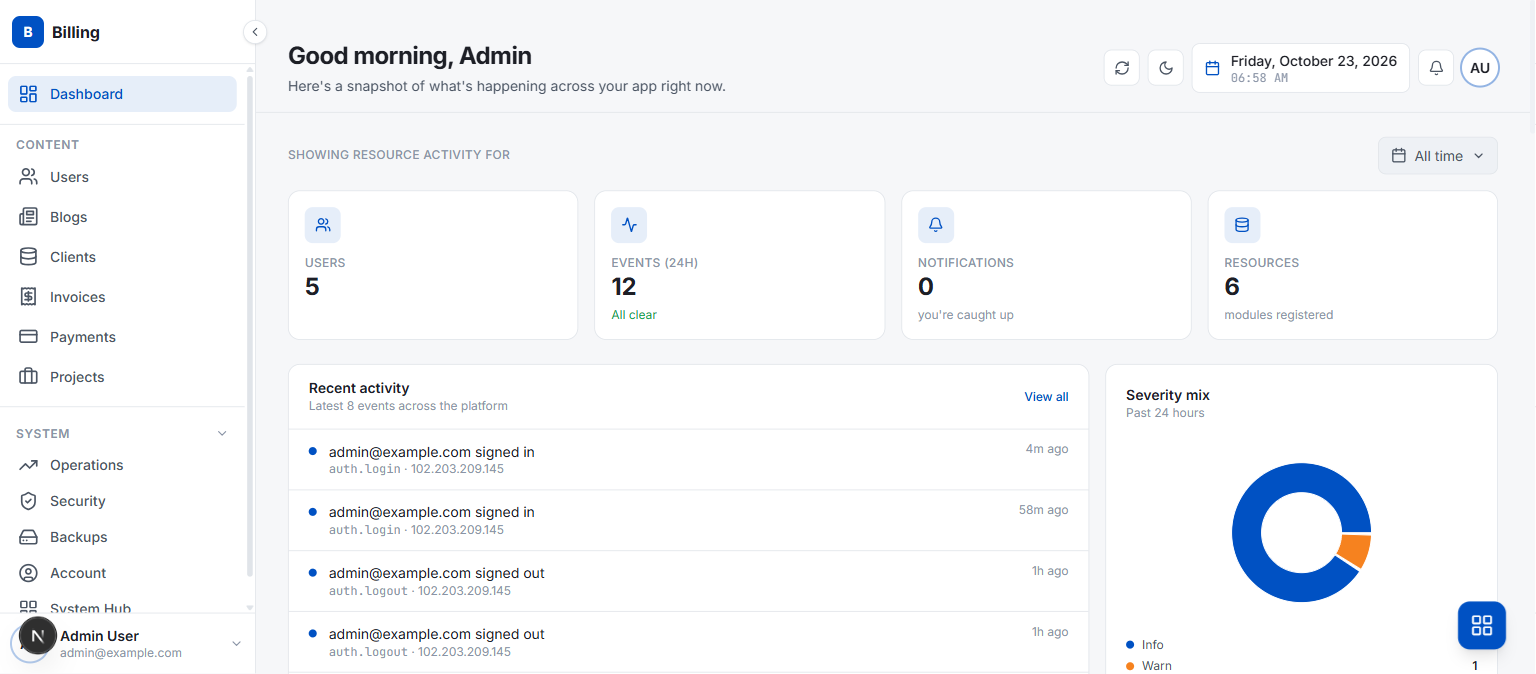
pulse#0051c3sign-in: splitA deeper, more saturated blue than atlas. Denser, more utilitarian.
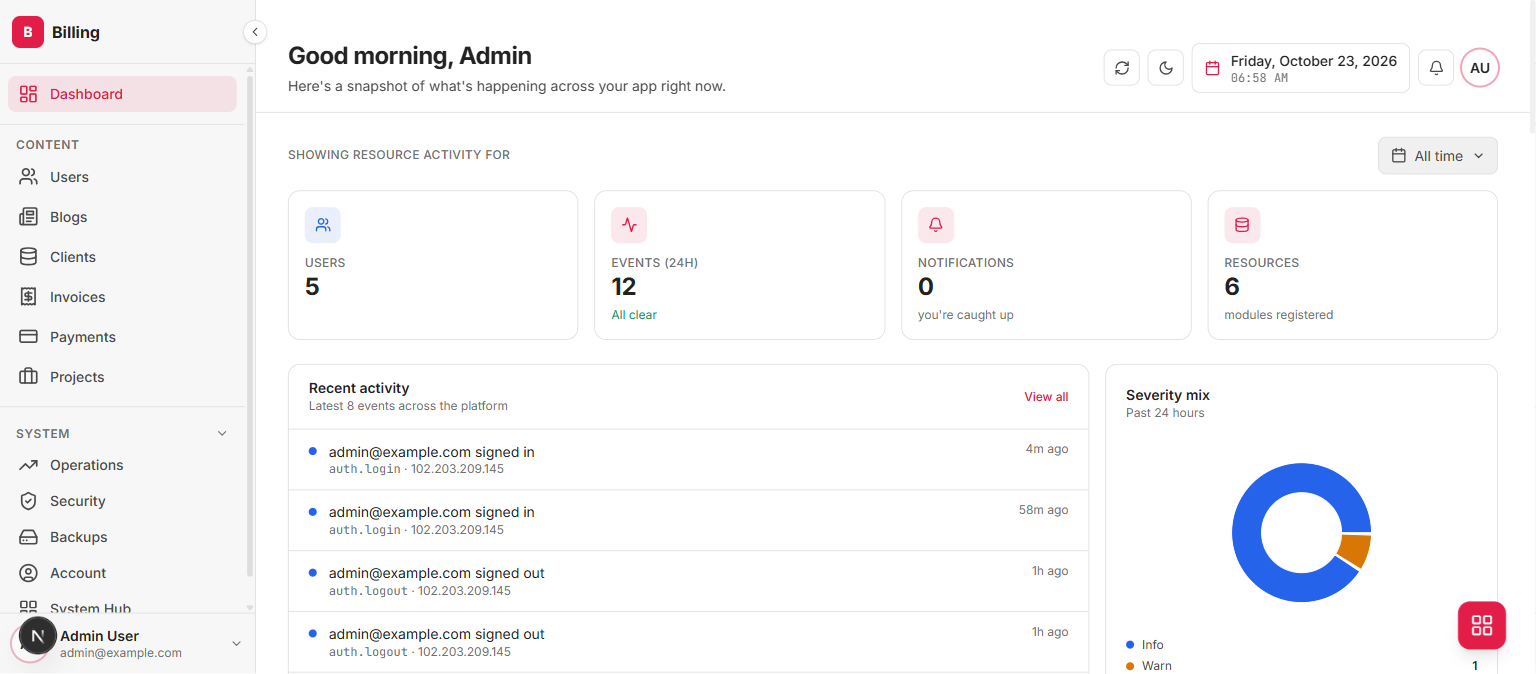
coral#e11d48sign-in: modalWarm red. The sign-in is a modal floating over a blurred backdrop.
amber#f59e0bsign-in: boxedWarm yellow. The sign-in sits in a bordered box on a plain field.
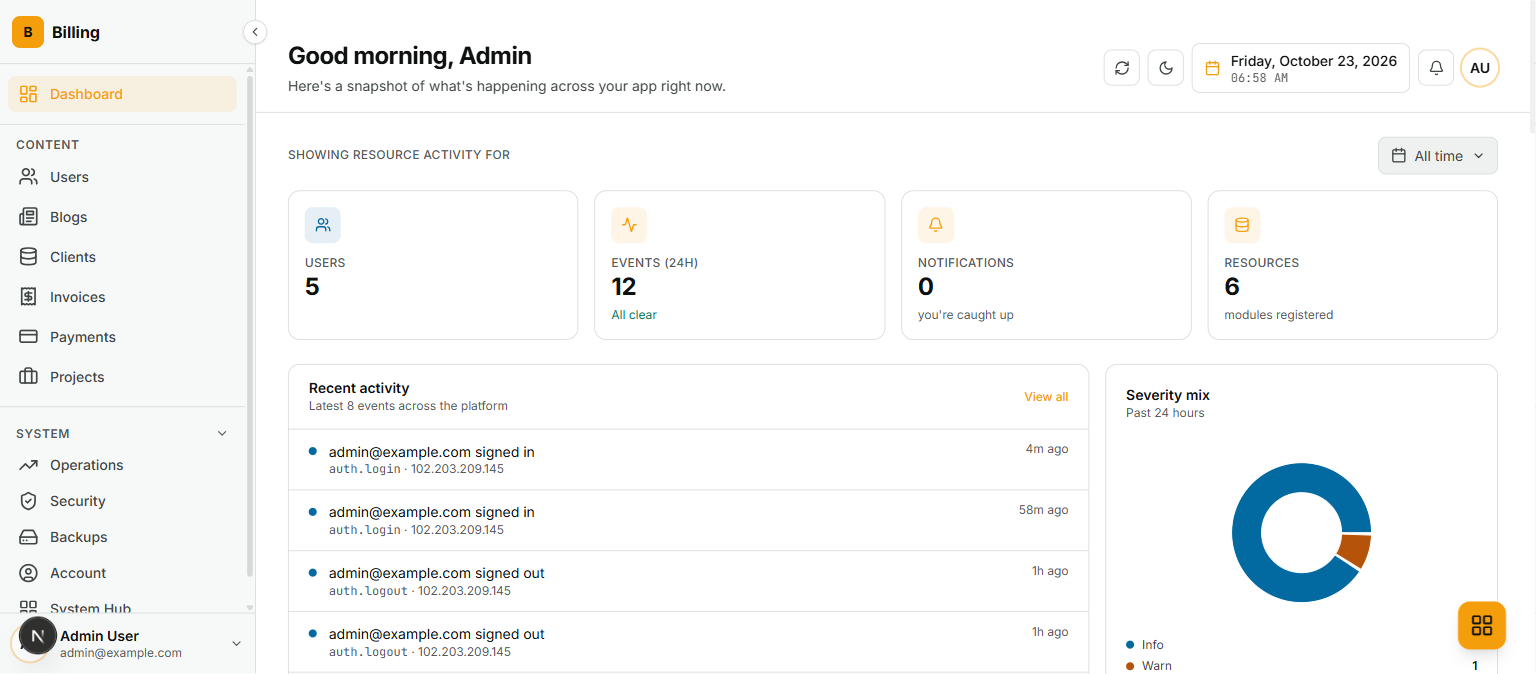
sky#0284c7sign-in: bannerLight blue, with a full-width banner above the sign-in form.
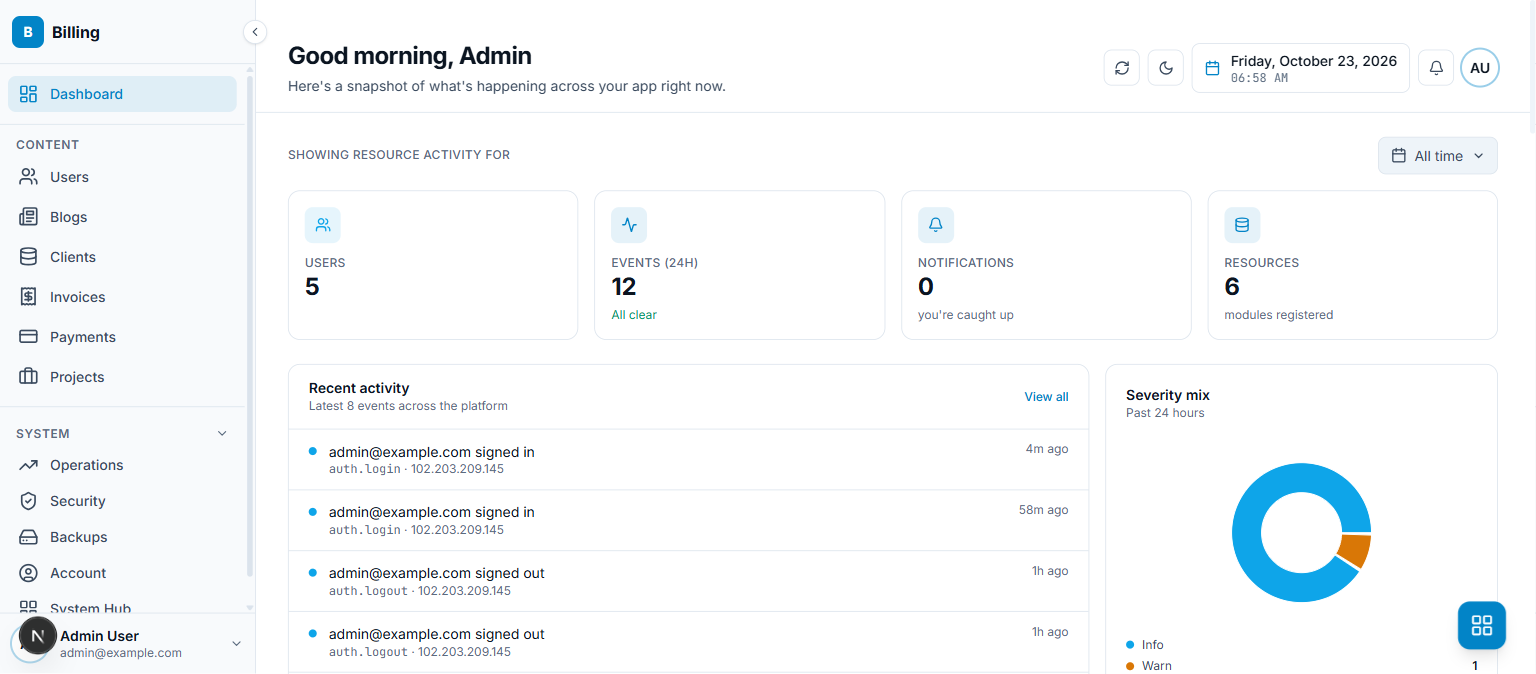
mono#0a0a0asign-in: showcaseBlack and white only. The sign-in is a showcase layout with the product beside it.
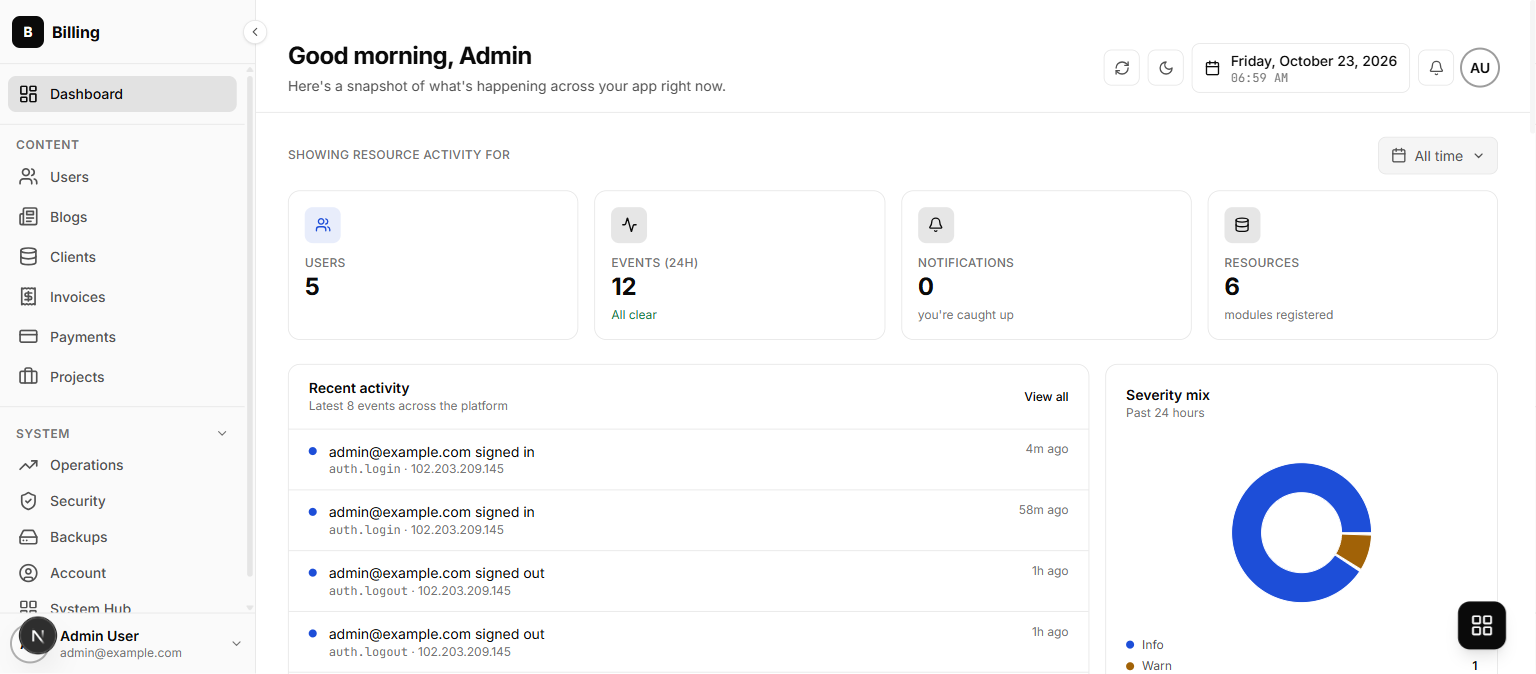
emerald#059669sign-in: quoteGreen. The sign-in carries a quote panel, for a product that wants to say something.
Styles: what the dashboard page contains
grit new shop --style minimal
A style picks which dashboard source file gets written. It is a scaffold-time choice: the file lands in your project and is yours to edit afterwards, which is also why there is no flag to change it later. Every shot below is the same project and the same theme, so the only difference is the style.
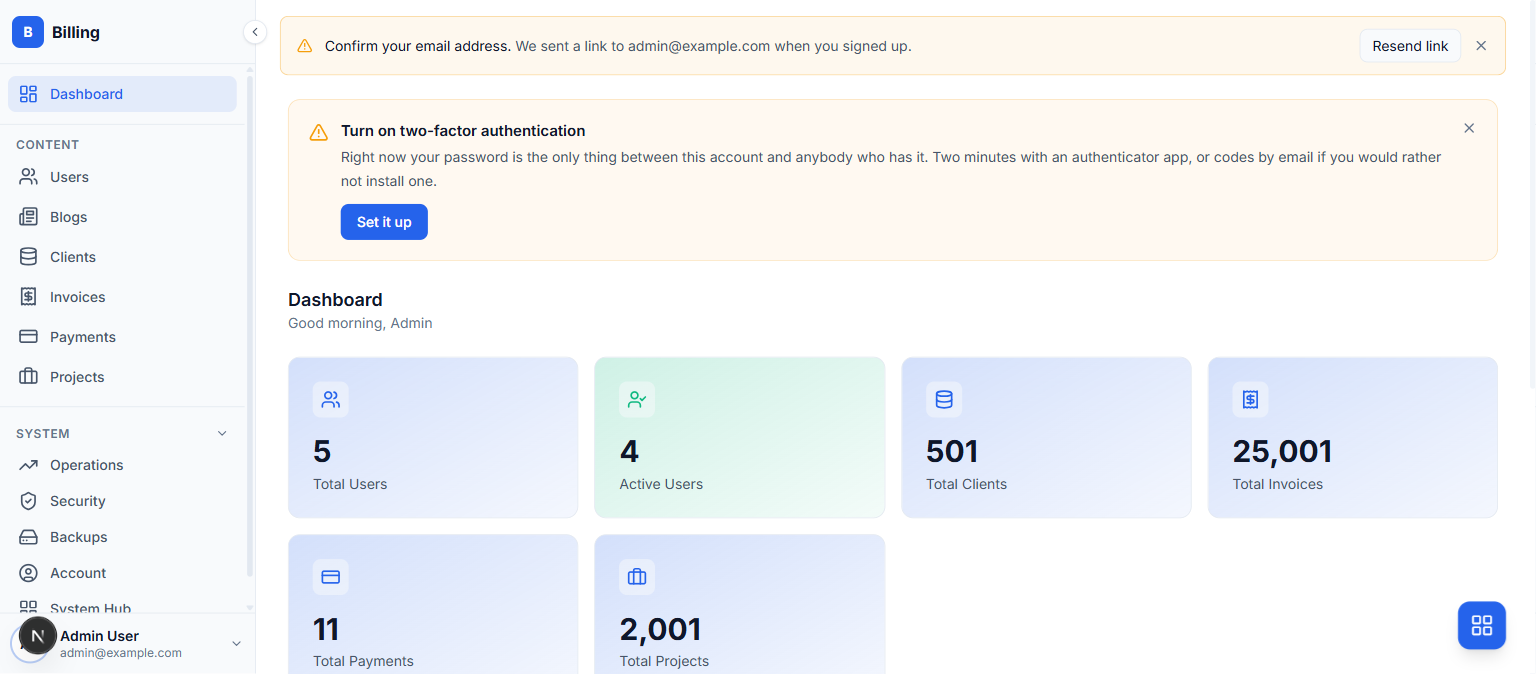
defaultA greeting, four stat tiles, a seven-day activity chart, a severity donut and a recent-activity feed. The most content of the four, and the one a new project gets.
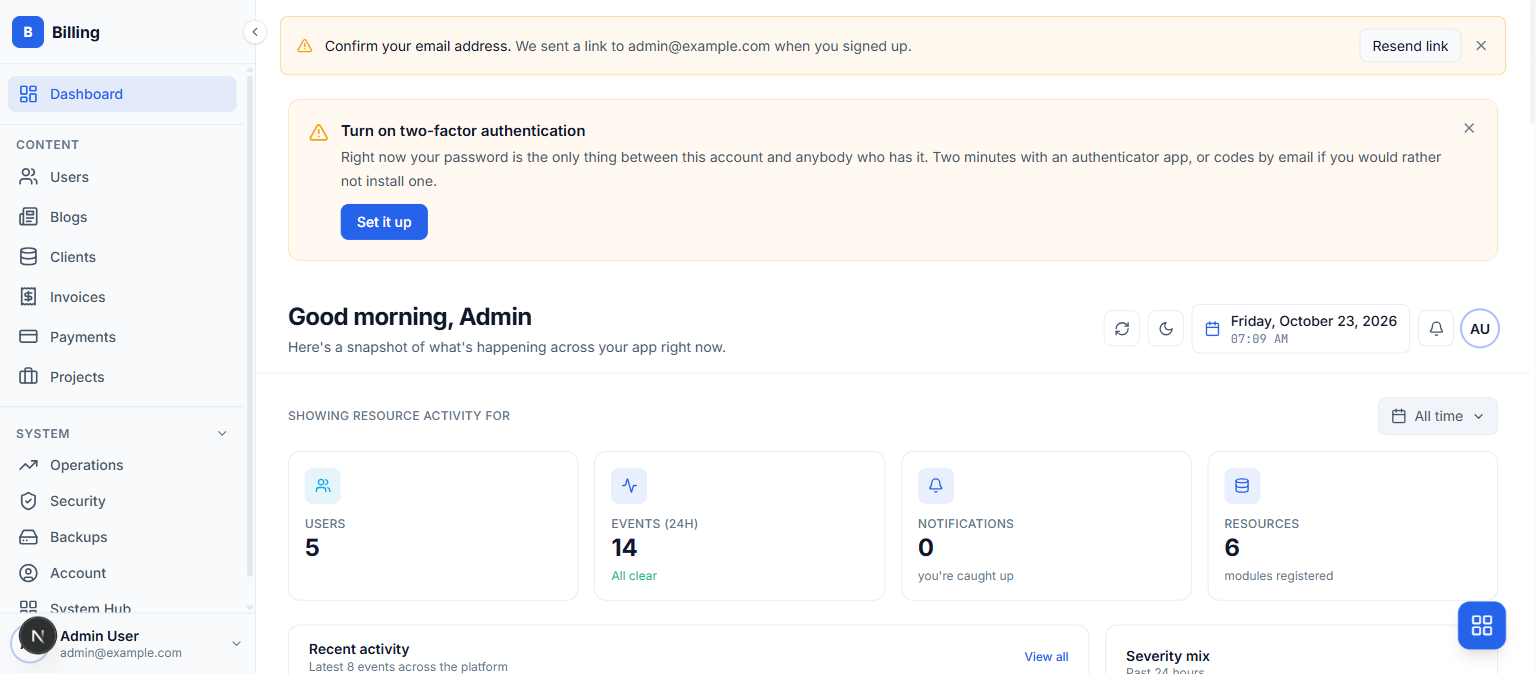
modernThe widget grid: stat cards, a chart widget and an activity widget, composed from components/widgets rather than written into the page.
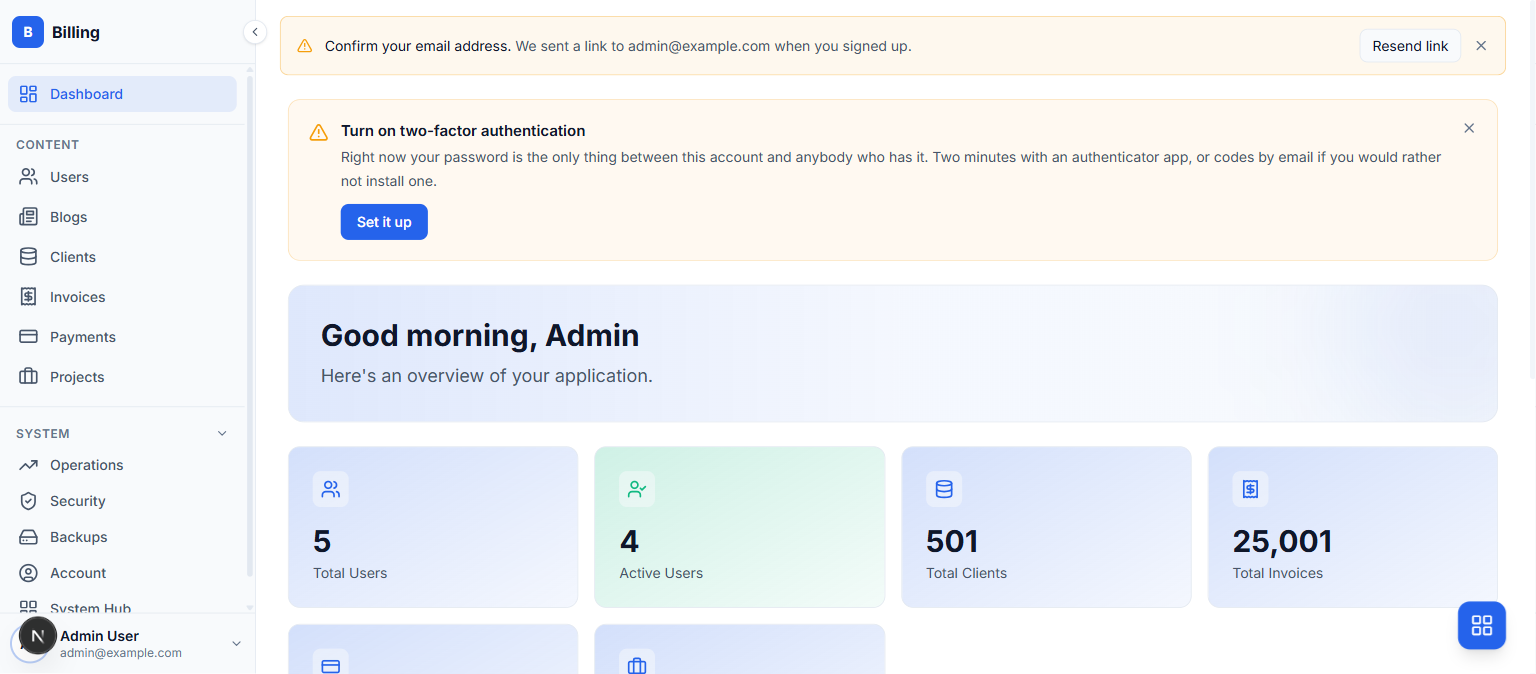
minimalTinted stat tiles and nothing else. No chart, no feed. For an admin whose dashboard is a way through to the resources rather than a place to sit.
glassThe widgets again, on translucent cards over a soft gradient.
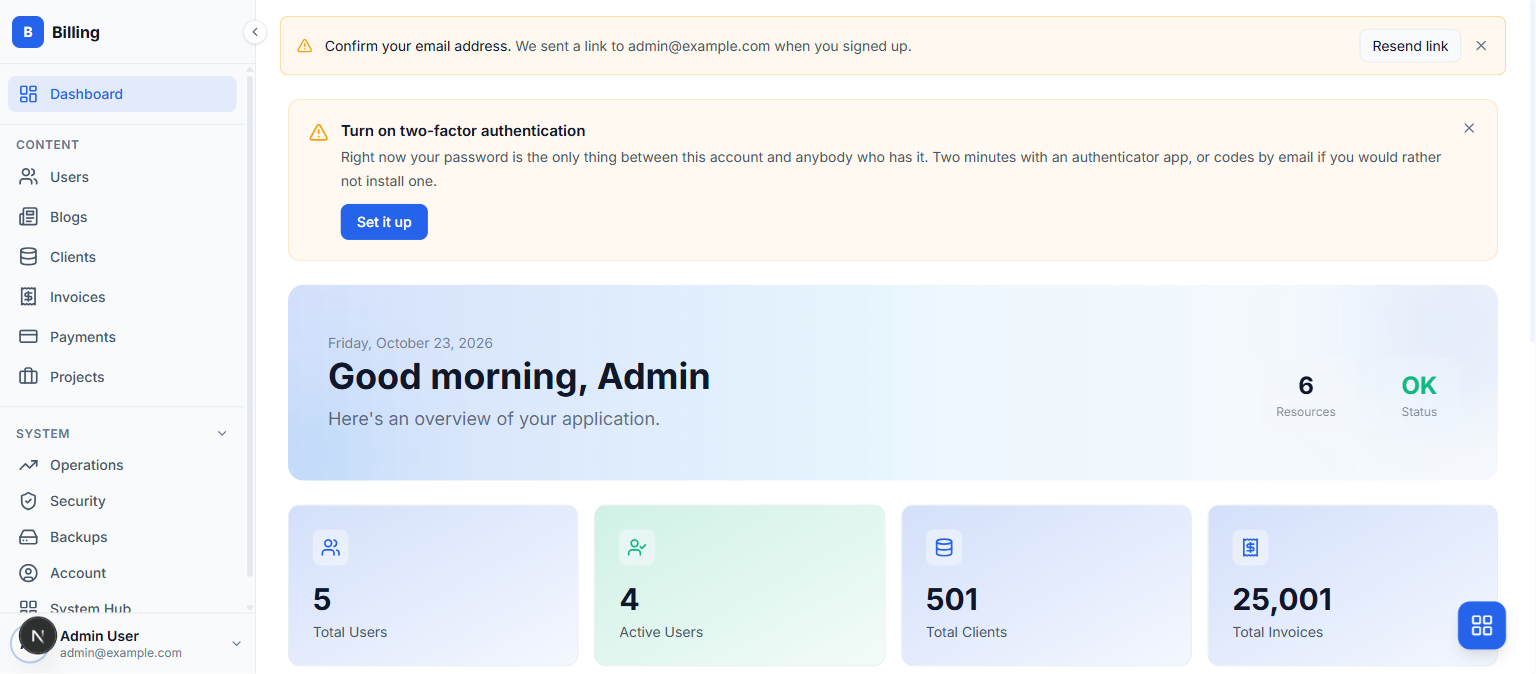
--style glass does not give you a glass login page.And
--style centered is accepted but produces the same dashboard as default, byte for byte.They compose
The two are independent. Any theme works with any style, because one sets variables and the other picks a file:
grit new shop --theme emerald --style minimal
Changing one component instead
Neither flag is how you restyle a button. For that there is grit swap, which replaces one slot file with a different variant and type-checks the admin afterwards, rolling back a variant that does not compile against your call sites.
grit swap --list # the slots, and the variants each hasgrit swap input pill # replace components/ui/input.tsxgrit swap --revert # restore the last backup
In one table
| --theme | --style | |
|---|---|---|
| Changes | Colours, fonts, the sign-in layout | What the dashboard page contains |
| How many | Eight | Four (five names, two identical) |
| Changeable later | Yes, THEME in .env | No, the file is already written |
| Scope | Every screen | One page |
| Mechanism | CSS variables on the root | Which source file is generated |